Seeing "no projects available" on Outlier AI can feel like getting rejected without being told why. One day you see onboarding, assessments, or task queues. The next day the dashboard is empty, a project disappears, or there are no tasks to claim.
That does not always mean your account is banned, your application failed, or you will never get work. In remote AI training, project availability changes constantly. Platforms like Outlier depend on client demand, task volume, qualification rules, reviewer quality, location limits, and domain needs. A contractor can be approved for the platform and still see no available projects for a period of time.
This guide explains what "no projects available" usually means, why it happens, what not to assume, and how to improve your chances of getting matched with future AI model evaluation, prompt writing, RLHF, data annotation, and human feedback work.
What "no projects available" usually means
In most cases, "no projects available" means the platform does not currently have a project open to you. That is different from a final rejection. It can mean the current queue is empty, the project has paused, the project has already received enough submissions, or your profile does not match the work that is live right now.
Outlier describes its contributor work as project-based. Contributors may generate prompts, rank AI outputs, improve model responses, or complete other tasks that help improve AI systems, but available projects vary and may not always match a person's exact field. Outlier also states that project length depends on customer needs and that contributors may have opportunities to join additional projects after one project ends.
The important point is simple: AI training platforms are not like a traditional hourly job with a guaranteed shift. They are closer to a marketplace. When demand exists for your skill set, location, language, and qualification level, you may see work. When that demand slows, the queue can go empty.
Why Outlier AI may show no projects available
There are several common reasons this happens. More than one can be true at the same time.
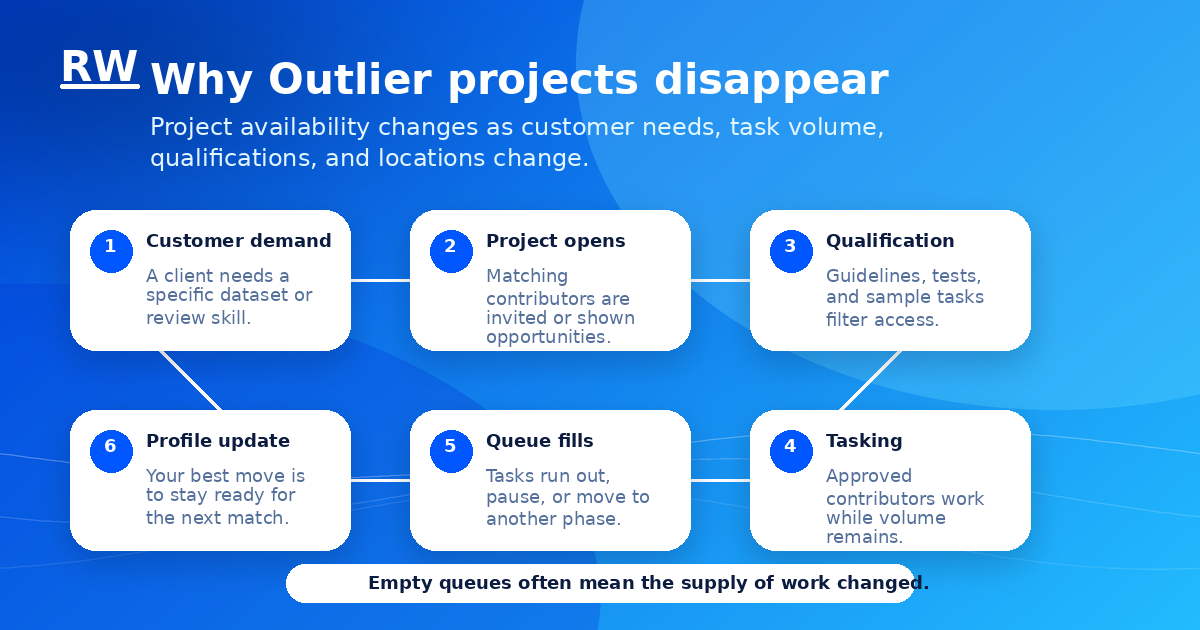
- Customer demand changed. AI training work depends on what a customer or research team needs at that moment. If the customer needs legal reasoning tasks, legal contributors may see work. If the customer needs Spanish translation, bilingual contributors may see work. If the customer has enough data, the project can pause or close.
- The task queue is empty. A project can exist but have no tasks left to claim. This is the situation many contributors describe as an empty queue. It may be temporary, especially when many contractors are trying to claim the same batch of work.
- The project is full. Even if a project is active, it may already have enough contributors. In that case, the platform may stop showing it to new workers or keep some people waiting until more work is released.
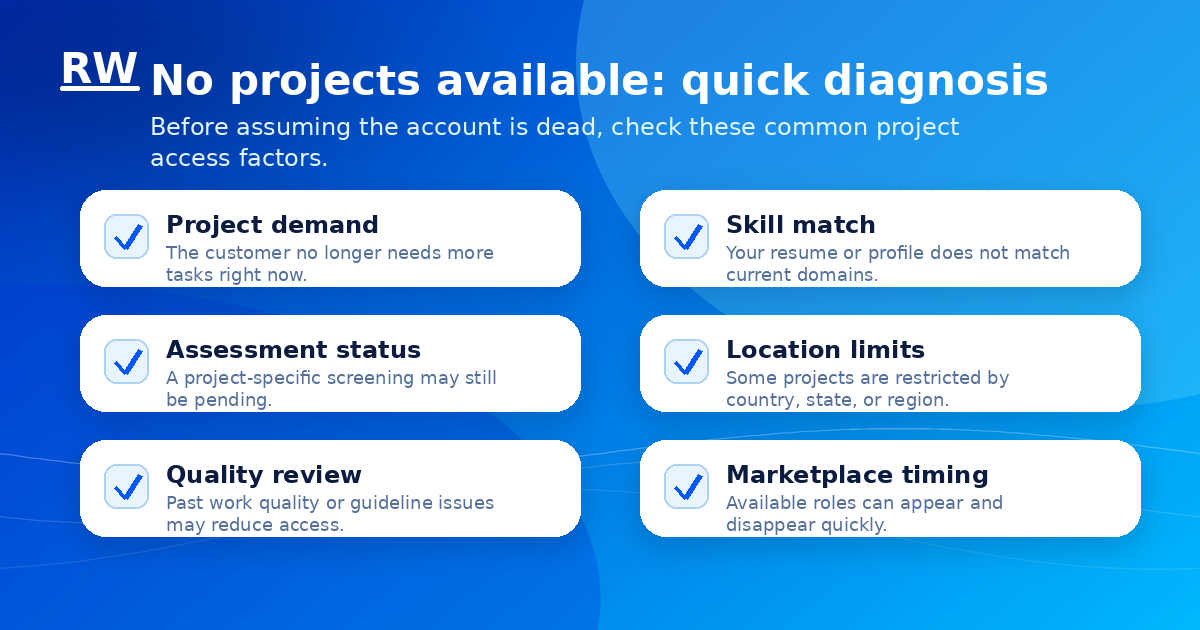
- Your profile is too general. A vague profile that only says "writer," "student," or "remote worker" may not match as many specialized AI evaluator jobs. Stronger profiles show clear domains: business analysis, finance, law, healthcare, coding, math, education, journalism, editing, research, language skills, or technical writing.
- You did not pass or complete a project-specific step. General onboarding is not always the same as project access. Some projects require guidelines, assessments, sample tasks, identity verification, or a domain screening before you can work.
- Your location does not match the project. Some projects are limited by country, state, region, work authorization, tax requirements, or client rules. Remote does not always mean work-from-anywhere.
- Your account may be under review. If prior work quality was low, guidelines were missed, identity information changed, or compliance information is incomplete, access can be reduced or paused. This is not the first assumption to make, but it is one possible reason if the empty queue lasts a long time or appears after quality warnings.
- The marketplace changed before you checked. AI training opportunities can move quickly. A project may appear, fill, and disappear before every qualified person sees it.
What not to assume when no projects are available
Do not immediately assume you are permanently rejected. A quiet dashboard can mean a temporary mismatch between your profile and available work.
Do not assume refreshing the page all day is a strategy. It is better to improve your profile, apply to relevant opportunities, and build a backup pipeline than to wait passively.
Do not assume every empty queue is your fault. Project-based AI work can slow down because the customer has enough data, the task batch is complete, or the platform is reallocating work.
Do not assume one AI training platform is enough. Outlier, Mercor, Handshake AI, micro1, Surge AI, Stellar AI, LinkedIn AI evaluator roles, search quality rater jobs, data annotation platforms, and direct contractor postings can all move in cycles. One platform going quiet should push you to widen your search.
Remote Work Union tracks legitimate remote AI training roles across top platforms. Find opportunities that match your background without sorting through scam listings.
Find Roles Hiring Now →How to improve your chances of getting projects
You cannot force a project to appear. You can, however, make your profile easier to match when projects do open.
Update your resume for AI training roles. Use clear keywords that describe the work you can actually do: AI model evaluation, prompt writing, response ranking, fact-checking, annotation, research, editing, rubric-based review, writing feedback, data labeling, coding review, mathematical reasoning, legal research, medical writing, business analysis, or domain expertise. Do not use keywords you cannot defend. The goal is accurate matching.
Make your expertise specific. "Strong writer" is useful, but "editor with experience fact-checking long-form articles" is stronger. "Good with numbers" is vague, but "Excel analyst with finance and reporting experience" is clearer. Platforms match contractors to projects based on specific signals.
Complete assessments slowly. Many remote AI work assessments are not testing speed. They are testing whether you can read instructions, follow a rubric, explain reasoning, and avoid careless mistakes. Treat each assessment like paid work, not a formality.
Keep location and identity details consistent. If your address, country, state, ID, tax details, or travel status changes, follow the platform rules before working. Location mismatches can create account problems and reduce project access.
Check open opportunities and marketplace-style listings. If Outlier offers a marketplace or open opportunities page, use it as an active search tool. Look for roles that match your real background instead of applying randomly to everything.
Add additional skills only when they are real. If you speak another language fluently, have a technical degree, can evaluate code, understand accounting, or have healthcare knowledge, those skills may open different project categories. But misrepresenting expertise can hurt you once assessments begin.
Track your applications. Keep a simple spreadsheet with platform, role, date applied, assessment status, rate shown, location requirement, and next action. This prevents you from relying on memory when several AI training platforms are moving at once.
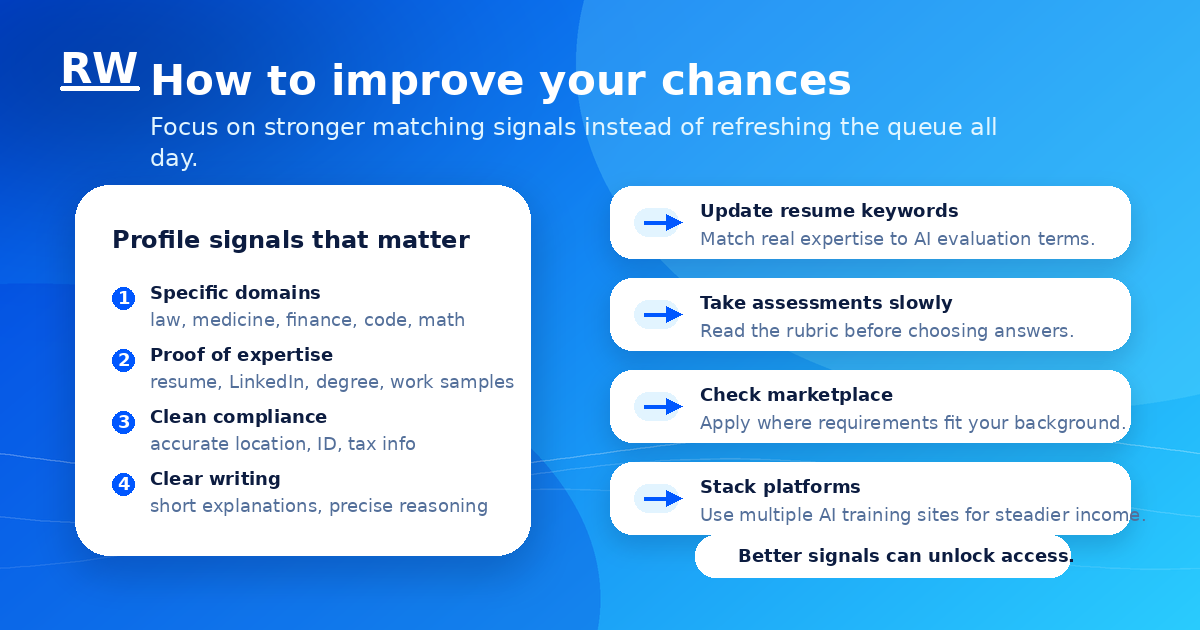
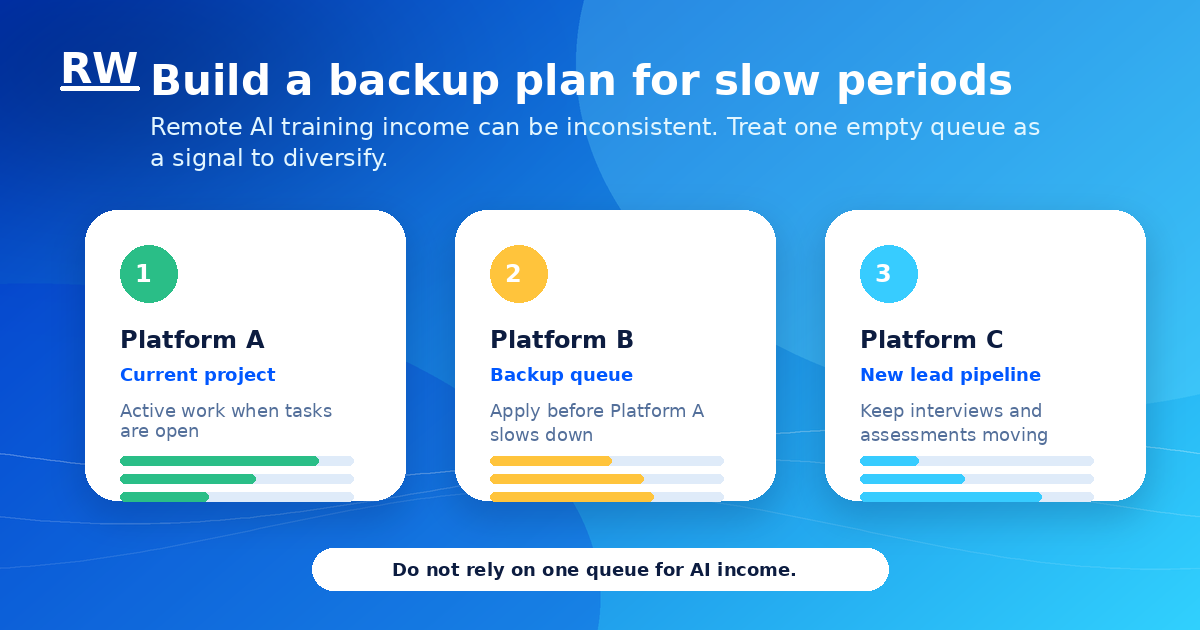
Stack platforms before you need them. The best time to apply to other remote AI jobs is when you still have work, not after every queue is empty. AI training income can be inconsistent, so a backup pipeline matters.
Resume keywords to use carefully
If they are true for your background, these keywords can help position you for Outlier AI projects and similar remote AI evaluation work:
AI model evaluation, AI training, human feedback, RLHF, prompt writing, response ranking, chatbot evaluation, data annotation, data labeling, search quality rating, fact-checking, editing, research, technical writing, rubric-based review, quality assurance, language evaluation, coding review, mathematical reasoning, legal research, healthcare writing, finance analysis, business analysis, Excel, SQL, Python, curriculum design, tutoring, academic research, and domain expertise.
For broader job searches, combine platform names with role terms. Examples: Outlier AI no projects available, Outlier AI tasks, AI evaluator jobs, remote AI trainer, AI model reviewer, prompt evaluator, data annotation jobs, search quality rater, OpenAI evaluator jobs, Anthropic AI training jobs, Google Gemini evaluator roles, Meta AI data annotation, and remote AI research contractor.
When to contact support
It can make sense to contact support if you completed onboarding, verified your account, and have seen no projects for an extended period; if you believe your location or identity information is wrong; if a project disappeared after a technical issue; if your dashboard shows an error; or if you received a quality or compliance message you do not understand.
Keep the message short. Include your email, the project name if known, the date the issue started, what you completed, and a screenshot if the platform allows it. Avoid angry messages or long explanations. Support teams are more likely to respond to clear, specific questions.
How to think about income when projects are inconsistent
The safest mindset is to treat Outlier and similar AI training platforms as project-based contract income, not guaranteed employment. That does not mean the work is not real. It means the volume can change.
If you want steadier remote income, build a portfolio of options. Apply to multiple AI training platforms. Search LinkedIn for AI evaluator and model evaluation roles. Watch for contractor roles at AI companies, research labs, and data vendors. Keep a basic resume ready for each category: writing, business, coding, healthcare, legal, finance, education, or language work.
The people who handle slow periods best are not the ones who guess the algorithm. They are the ones who keep improving their matching signals, keep applying, and never depend on one dashboard for all of their income. See the platform comparison guide for a broader view of where to apply.
Tip: Apply to other platforms while your Outlier account is still in good standing. Waiting until the queue is empty to start widening your search puts you behind.
Frequently Asked Questions
Does no projects available mean I failed?
Not necessarily. It can mean there is no active work that matches your account right now. It can also mean a project is full, paused, or pending a qualification step.
Can projects come back later?
Yes, project-based AI work can return when new task batches open or when a customer needs more data. There is no guaranteed timeline.
Should I make a new Outlier account?
Usually, no. Creating duplicate accounts can create verification and compliance problems. Work through the official dashboard and support process instead.
Should I apply to other platforms while waiting?
Yes. Applying to multiple legitimate AI training and remote work platforms is a smarter strategy than waiting on one queue.
What skills help most?
Strong writing, careful reading, domain expertise, research ability, factual accuracy, coding, math, language fluency, and clear explanation skills can all help, depending on the project.
Bottom line
No projects available on Outlier AI is frustrating, but it is not always the end of the road. It usually means there is a mismatch between current demand and your available project access. Your job is to improve the signals you control: resume, profile, assessments, location accuracy, marketplace applications, and backup platforms.
Build a pipeline that does not depend on any one dashboard. The AI training category has real opportunities, but the work is project-based and can be uneven. The applicants who succeed long-term are the ones who treat it like a portfolio — not a single employer — and keep improving their profile whether or not the queue is active.